
Widgets
v1.1.6 · XenForo 2.2.0+ · Updated
by D.C Style · Add-ons
Show the right forum threads with flexible sources, filters, layouts, random discovery and scheduled promotion. Includes sticky-first Forum order sorting.
- v1.1.6
- XenForo 2.2.0+
- Updated
- 54 KB
Free
No account needed
Download v1.1.6
54 KB
Released Oct 8, 2026 · 3 versions available · Get support
Licence & help
- Use on one XenForo installation
- Free updates, no renewal needed
What your licence covers
1XenForo install
Freeupdates, no renewal
You may also like
More in Add-onsYou May Also Like
-
 AI Disclosure Label
Add-ons
53 downloads
Free
AI Disclosure Label
Add-ons
53 downloads
Free
-
 Quote Backlinks
Add-ons
87 downloads
Free
Quote Backlinks
Add-ons
87 downloads
Free
-
 AI Crawler Blocklist
Add-ons
56 downloads
Free
AI Crawler Blocklist
Add-ons
56 downloads
Free
-
 Real Views
Add-ons
$39.00
Real Views
Add-ons
$39.00
From the blog
Screenshots
9 images · tapclick to enlarge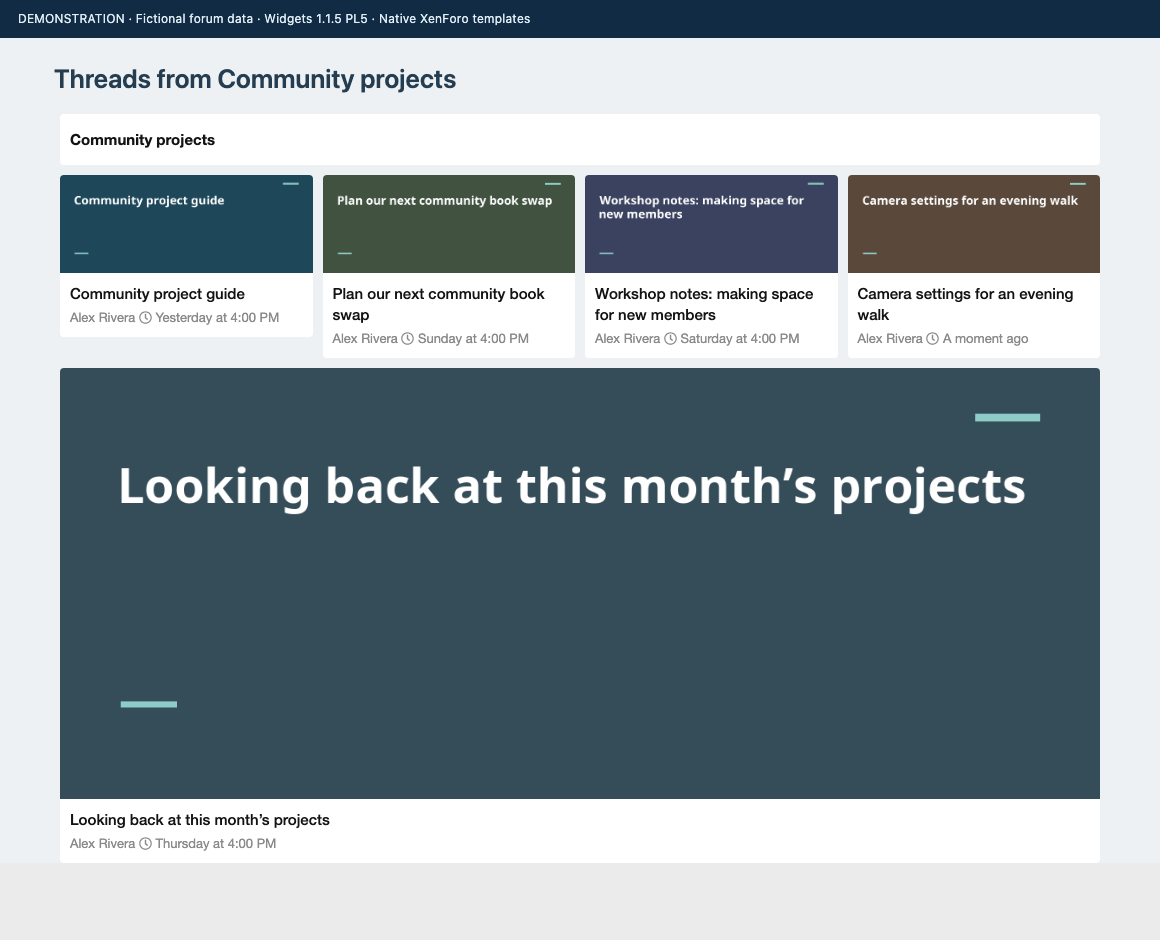
Description
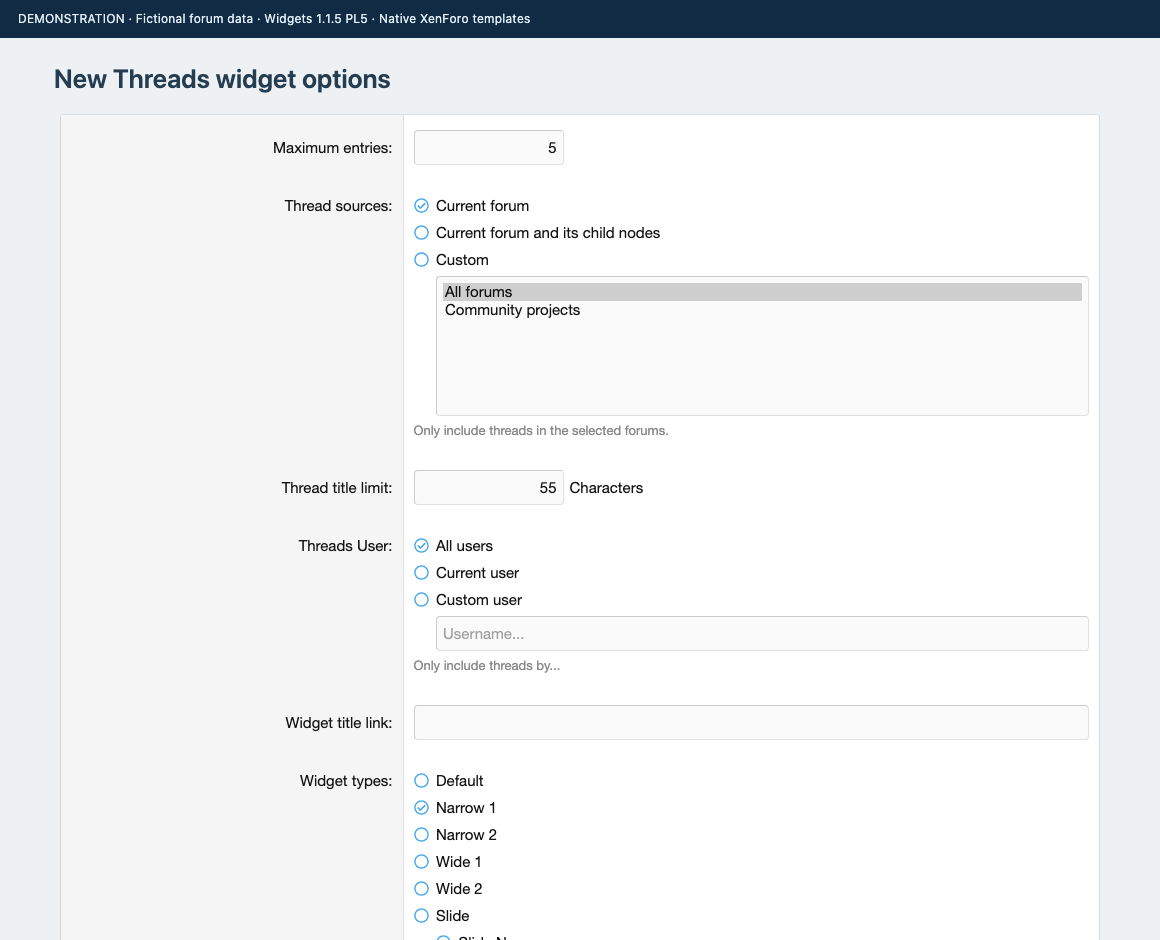
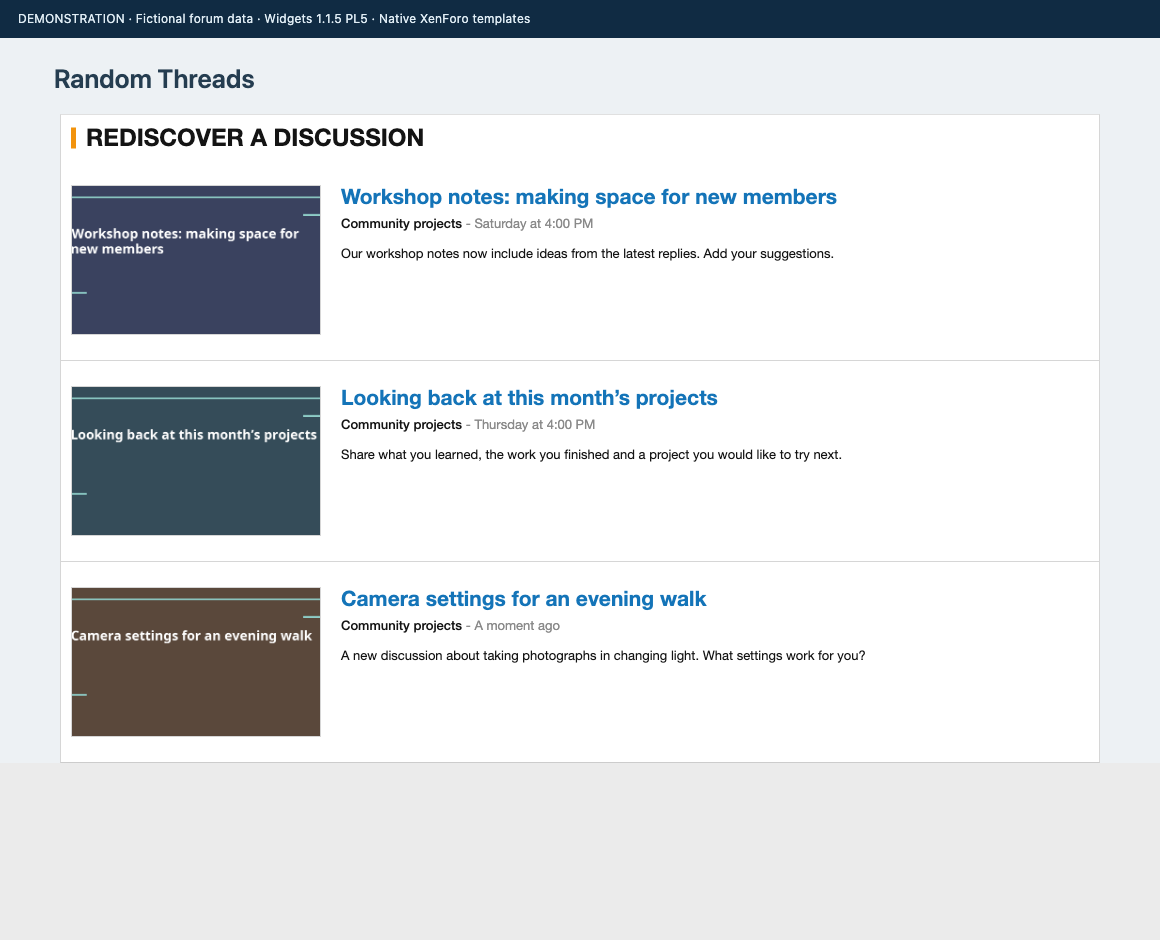
Bring useful discussions into view. Widgets adds New Threads, Random Threads and Facebook Fanpage widget definitions to XenForo. Place thread lists in a sidebar, above a forum or another supported widget position, then choose the discussions each widget should show.
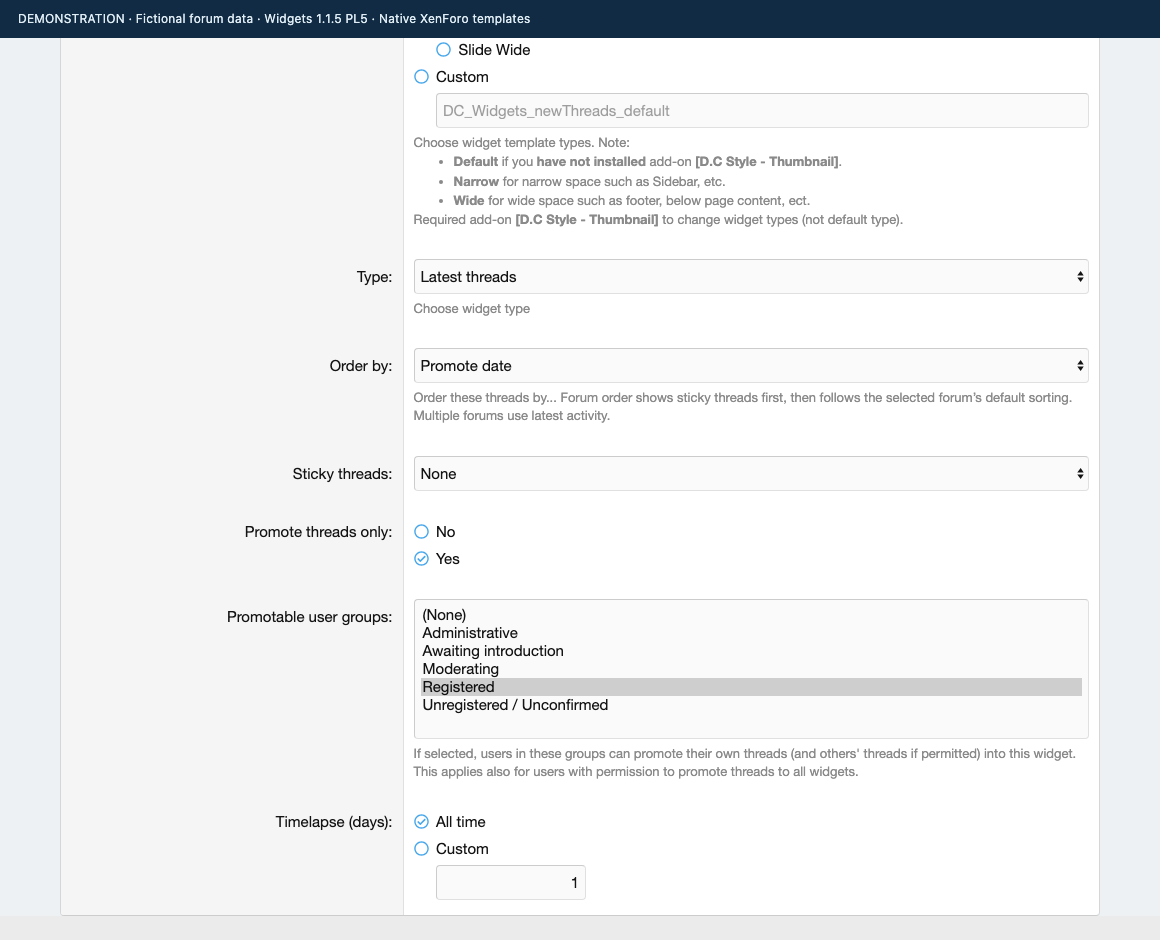
Choose the source and the audience. Use the current forum, the current forum and its child nodes, selected forums or all forums. Filter by author, tags, sticky status, thread creation age or promotion. New Threads can show latest threads, latest replies, unread threads or watched threads, with a separate sorting choice.
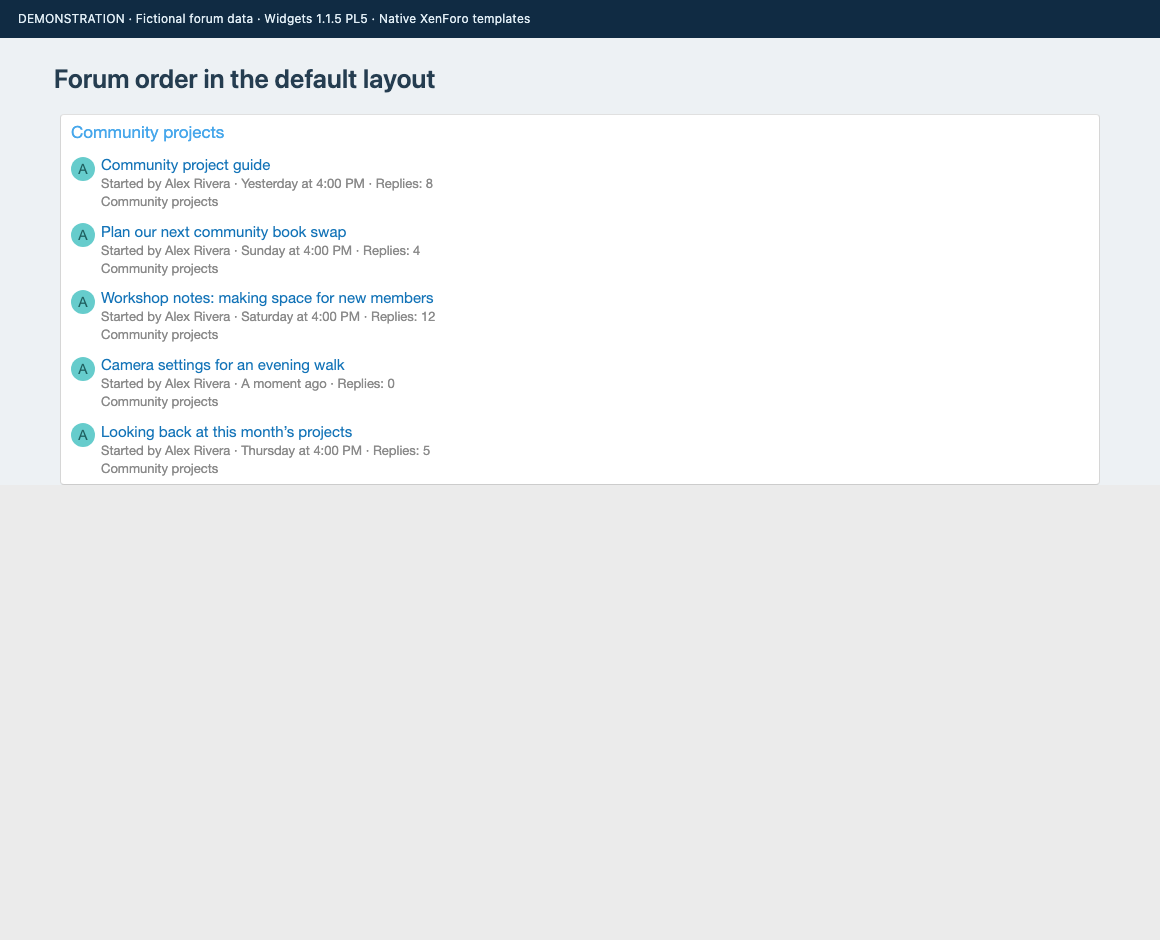
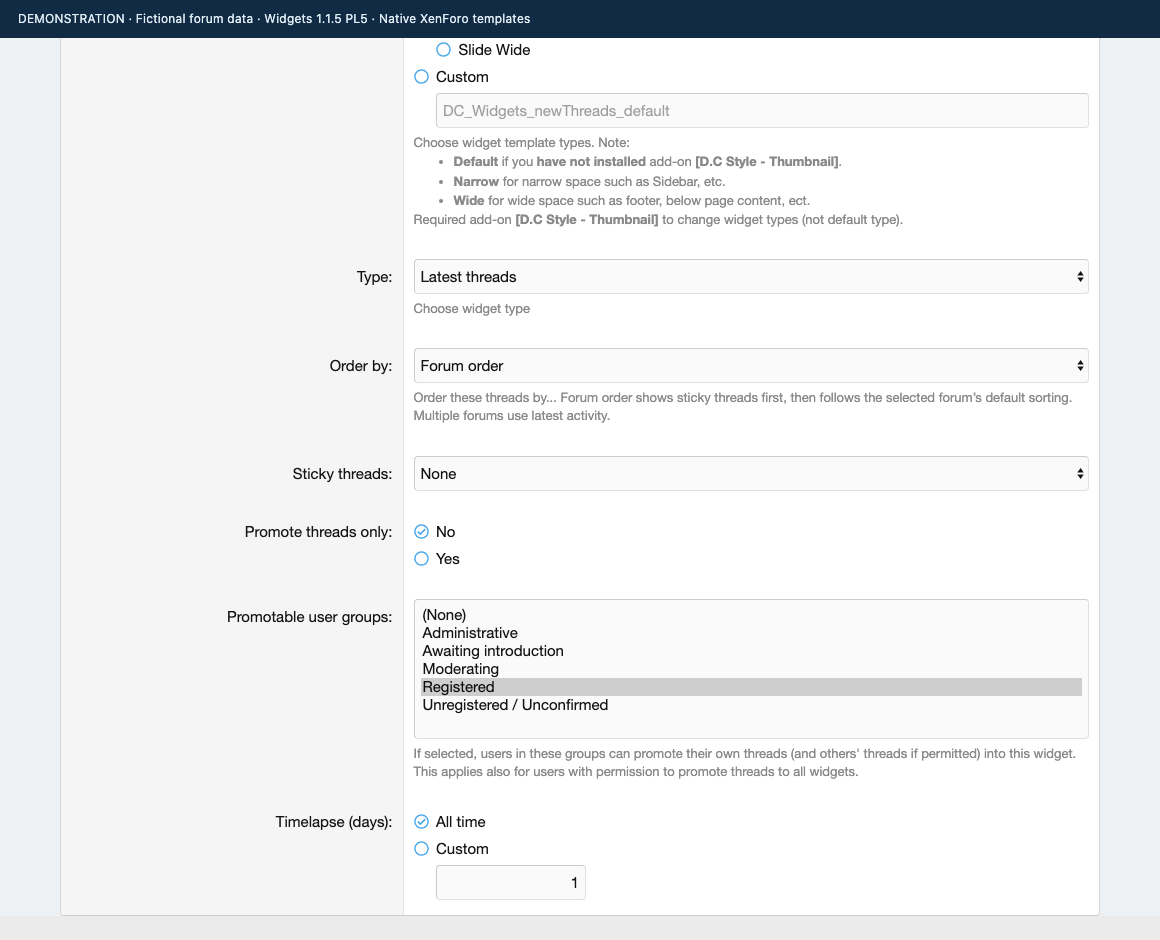
Follow the forum’s own order. The new Forum order choice puts eligible sticky threads first, followed by the selected forum’s saved sorting field and direction. On a typical forum, that means stickies followed by the latest activity, including normal replies and bumps that update the last-post date. When several forums are combined, the widget uses stickies first and latest activity next.
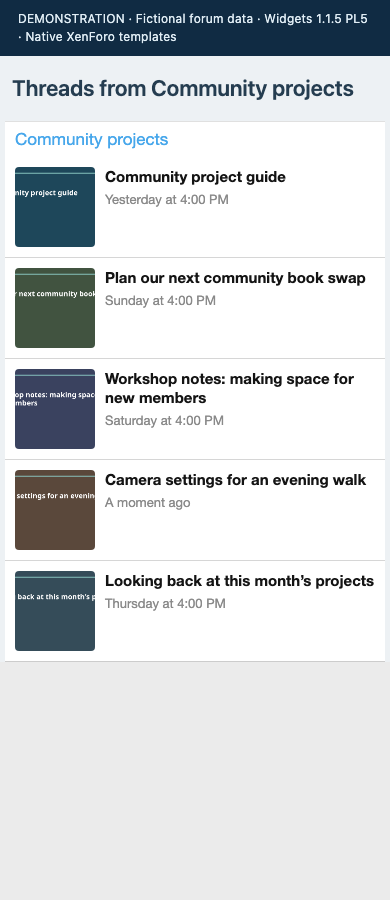
Give each placement the right layout. Keep XenForo’s Default list or use narrow, wide, slide and custom-template layouts. Image layouts take their thumbnails from the separate Thumbnail add-on. Random Threads offers another way to rediscover eligible discussions from a recent candidate pool.
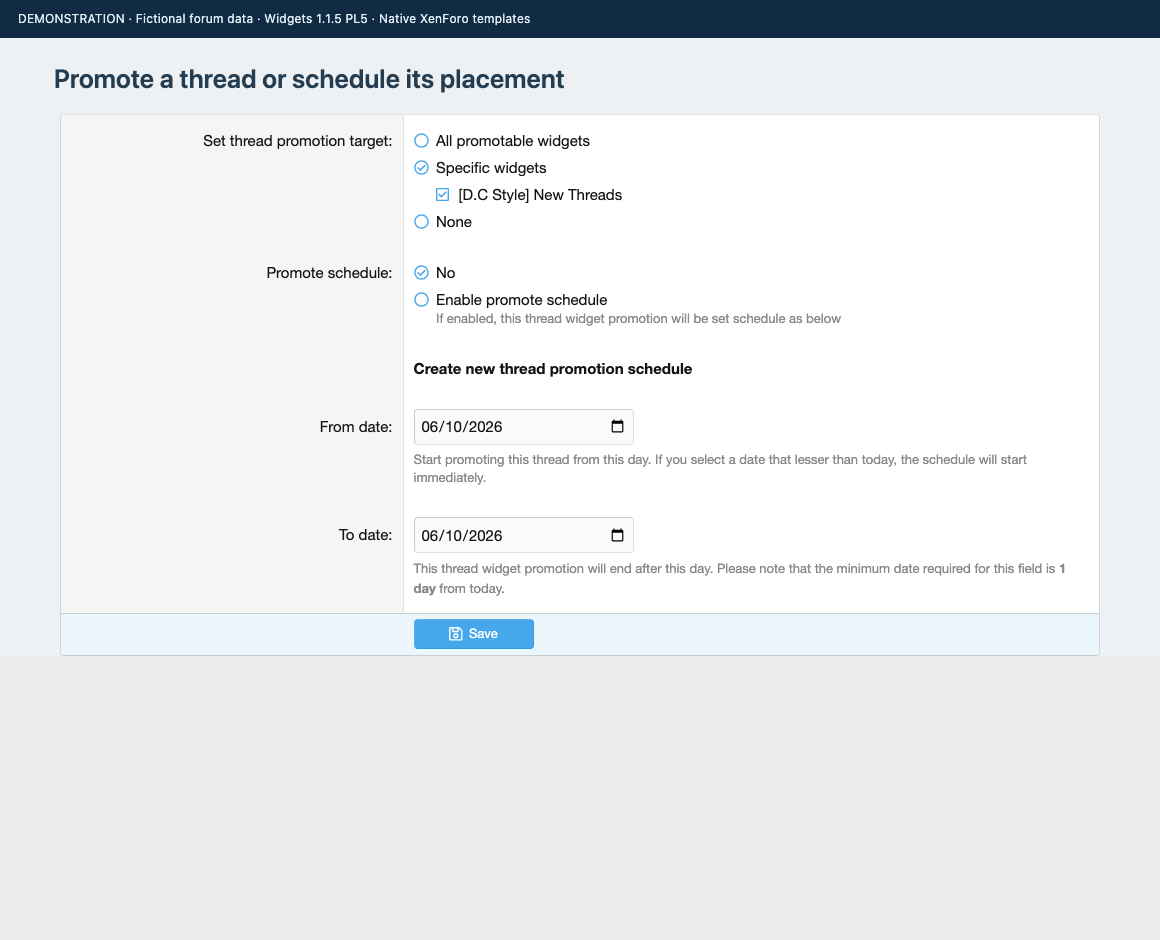
Make space for selected threads. Configure a widget to show promoted threads, choose which user groups can promote into it, and grant the relevant forum permissions. Eligible users can target specific widgets or all promotable widgets. Promotion can start immediately or use start and expiry dates, with actions recorded in the Admin CP.
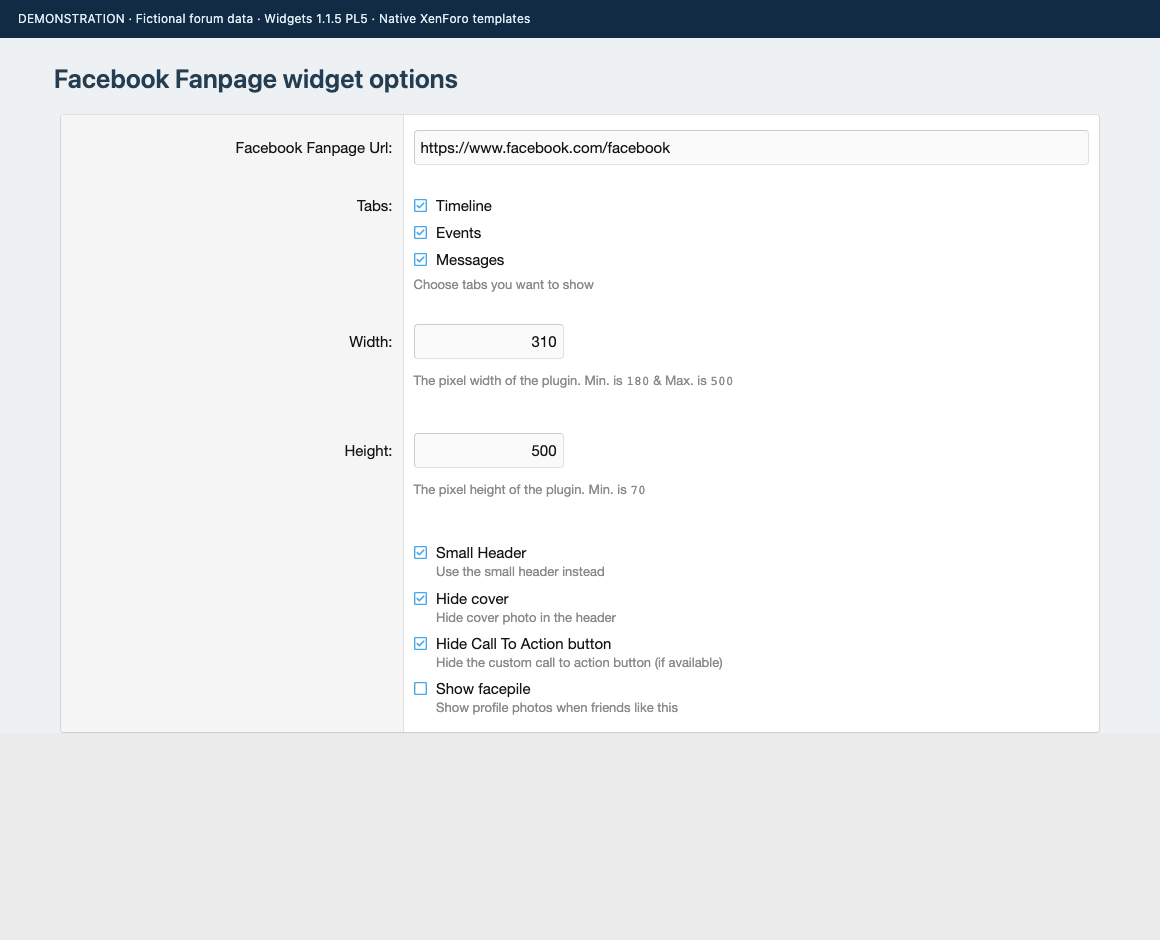
The Facebook Fanpage definition provides settings for a page URL and the Page Plugin’s presentation. It requires your Facebook App ID and an available Meta integration. Verify it with your own page and browser settings before using it publicly.
Widgets guides
1Reviews
Sign in to write a reviewNo reviews yet. Only customers who downloaded or bought it can review.
Questions 5
Answered by the D.C Style team.
What version of XenForo does this add-on need, and does it cost anything?
It runs on XenForo 2.2.0 or later and it is free.
There is nothing to pay to use it. The current release is 1.1.5 Patch Level 5.
Answered by D.C Style ·
