
AI Crawler Blocklist
v1.0.0 · XenForo 2.2+ · Updated
by D.C Style · Add-ons
Control AI training crawler access in XenForo with maintained IP feeds, search-crawler protection and request logs.
- v1.0.0
- XenForo 2.2+
- Updated
- 72 KB
Released Oct 3, 2026 · 1 version available · Get support
Licence & help
- Use on one XenForo installation
- Free updates, no renewal needed
What your licence covers
You may also like
More in Add-onsYou May Also Like
-
 Quote Backlinks
Add-ons
Free
Quote Backlinks
Add-ons
Free
-
 Real Views
Add-ons
$39.00
Real Views
Add-ons
$39.00
-
 Smart Mail Router
Add-ons
$25.00
Smart Mail Router
Add-ons
$25.00
-
 Login As User
Add-ons
53 downloads
Free
Login As User
Add-ons
53 downloads
Free
Screenshots
10 images · tapclick to enlarge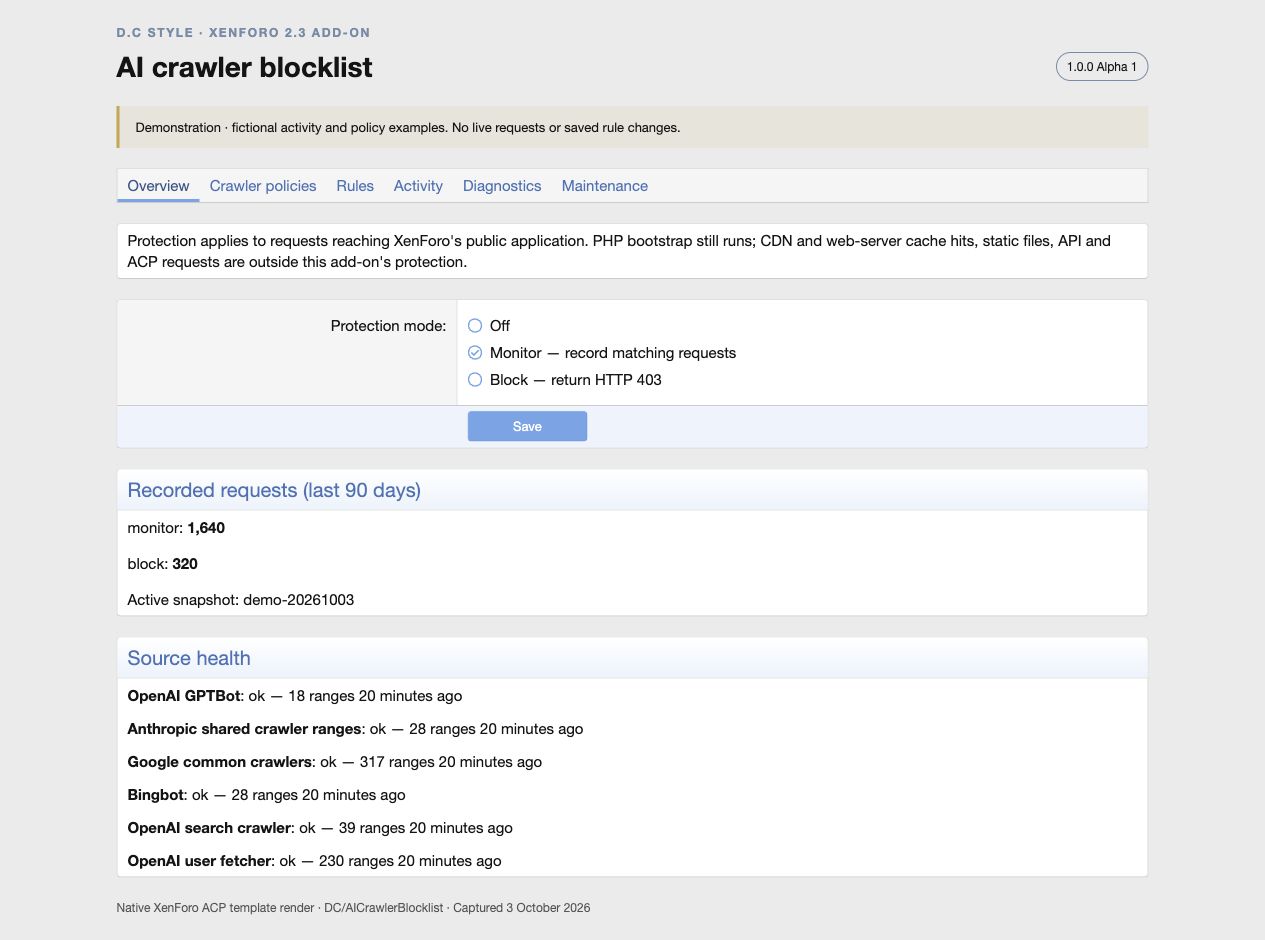
Description
Control which AI crawlers can access your forum. AI Crawler Blocklist gives XenForo administrators a place to manage training-crawler policies, maintain supported crawler IP ranges, and review requests that would be blocked.
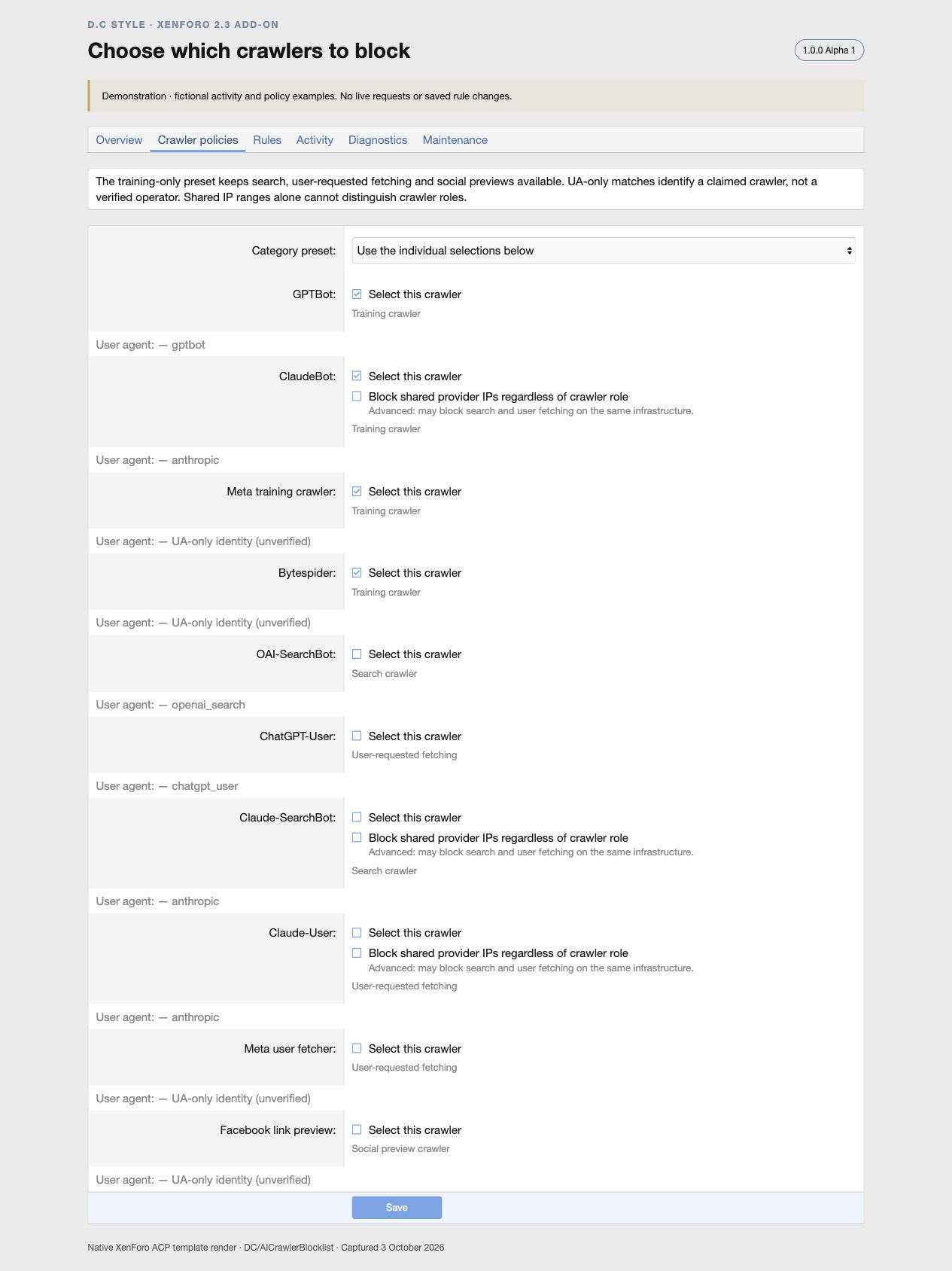
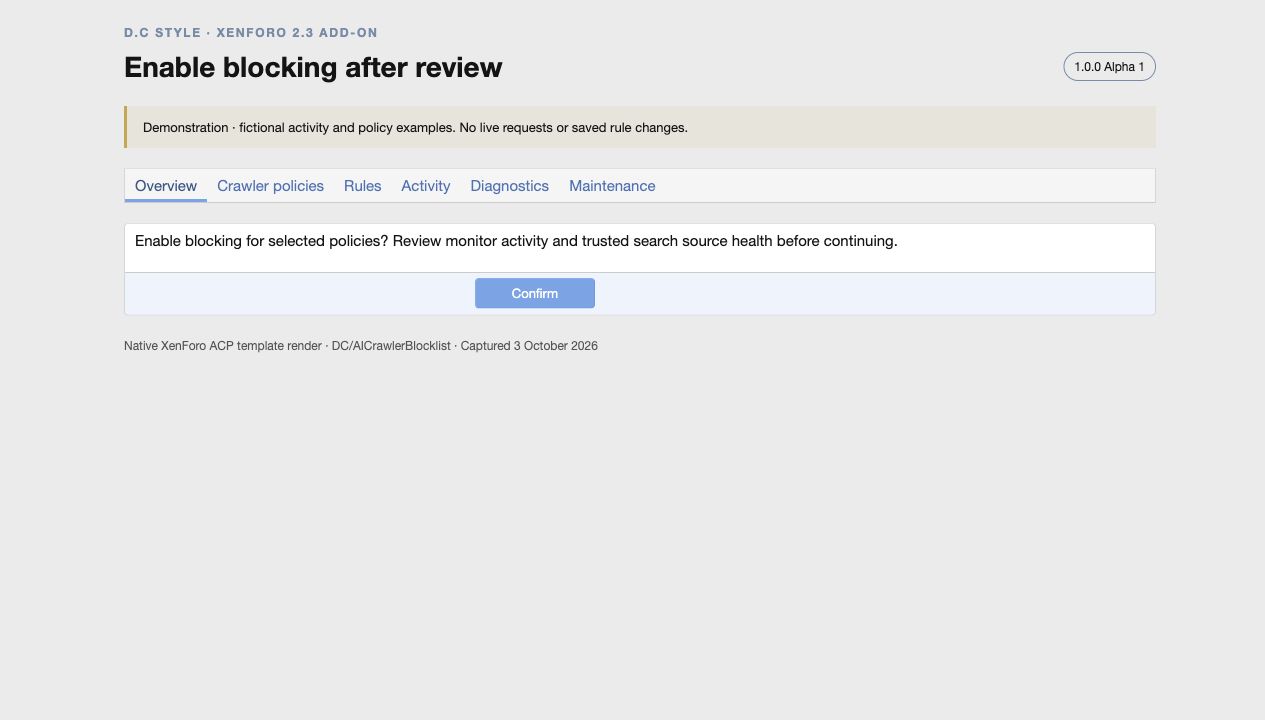
Start by watching the traffic. A new installation uses Monitor mode and selects training crawlers. Review its activity before switching to Block, which returns a short HTTP 403 response. AI search, user-requested page fetching and social previews remain unselected by default, with individual controls when you want a different policy.
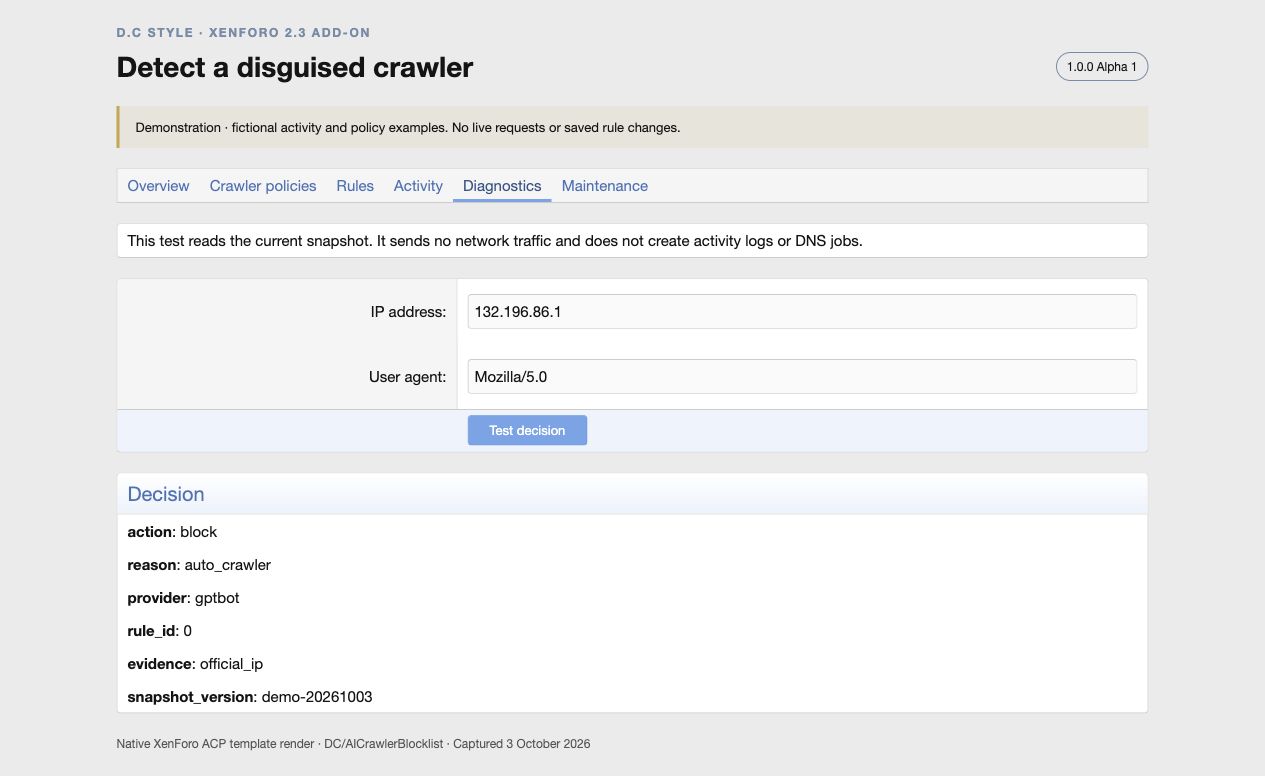
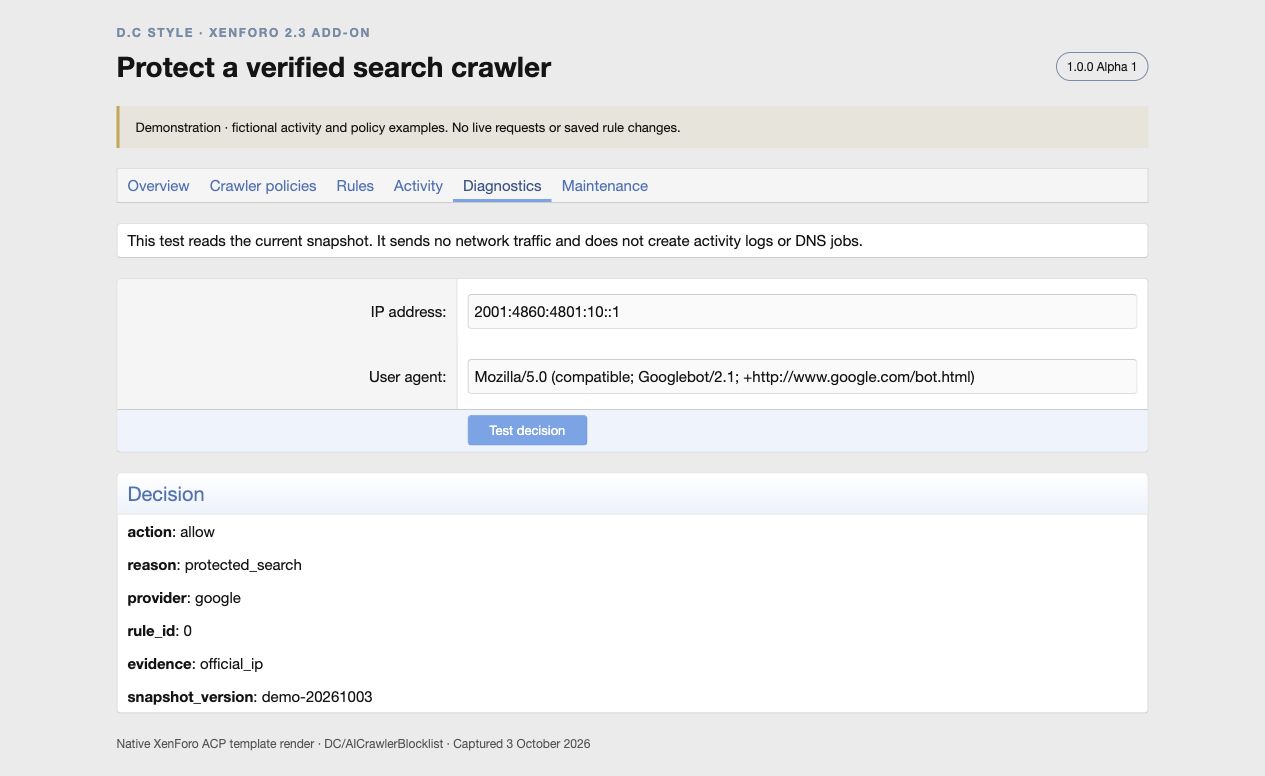
Use stronger identity checks where they are available. Dedicated published IP feeds can identify a selected crawler even when it uses a different user agent. Shared provider ranges need the selected role’s user agent unless you explicitly enable provider-wide blocking. Google and Bing are protected through their crawler feeds and cached forward-confirmed reverse DNS; a search-engine name in the user agent alone grants no exemption.
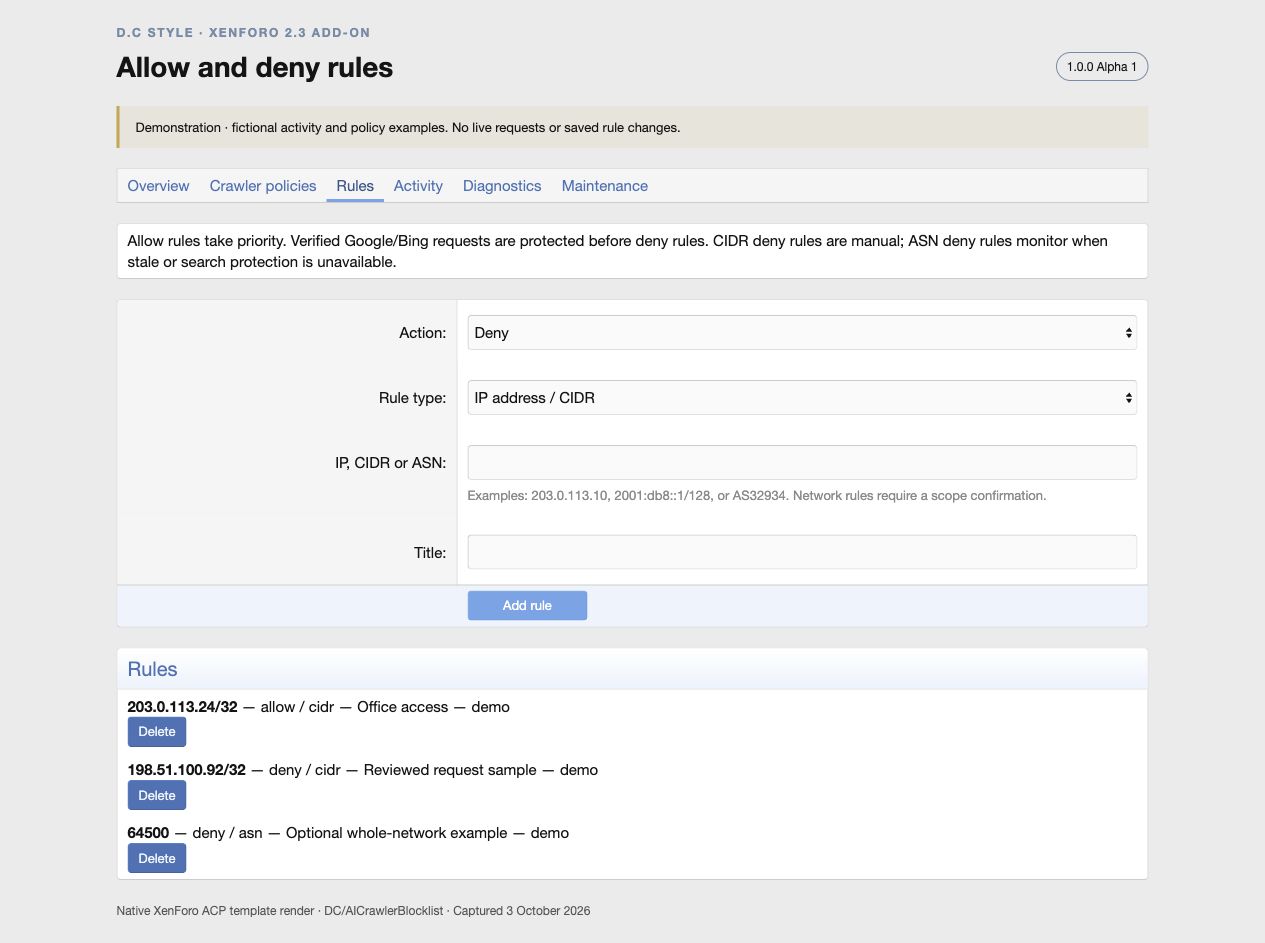
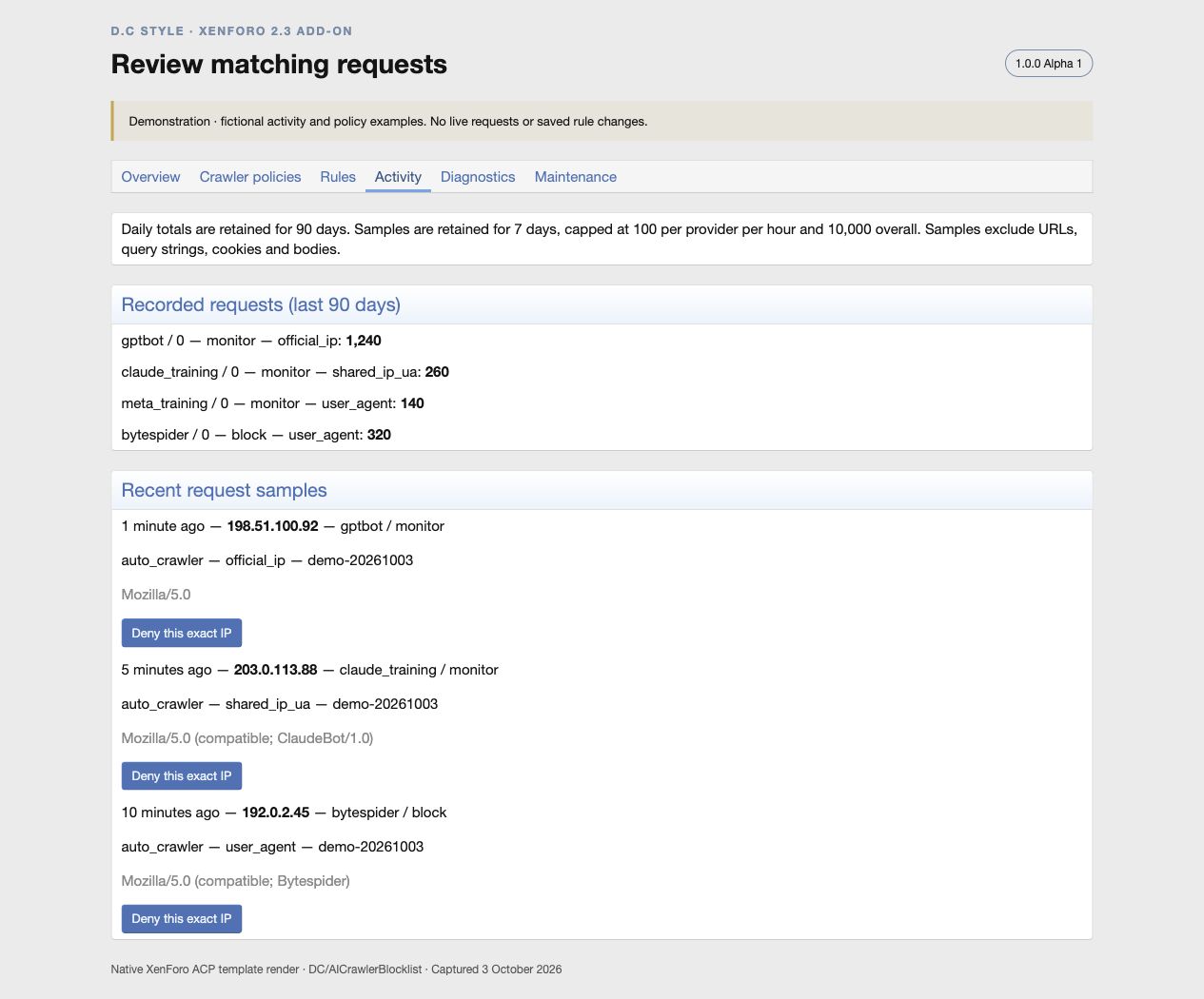
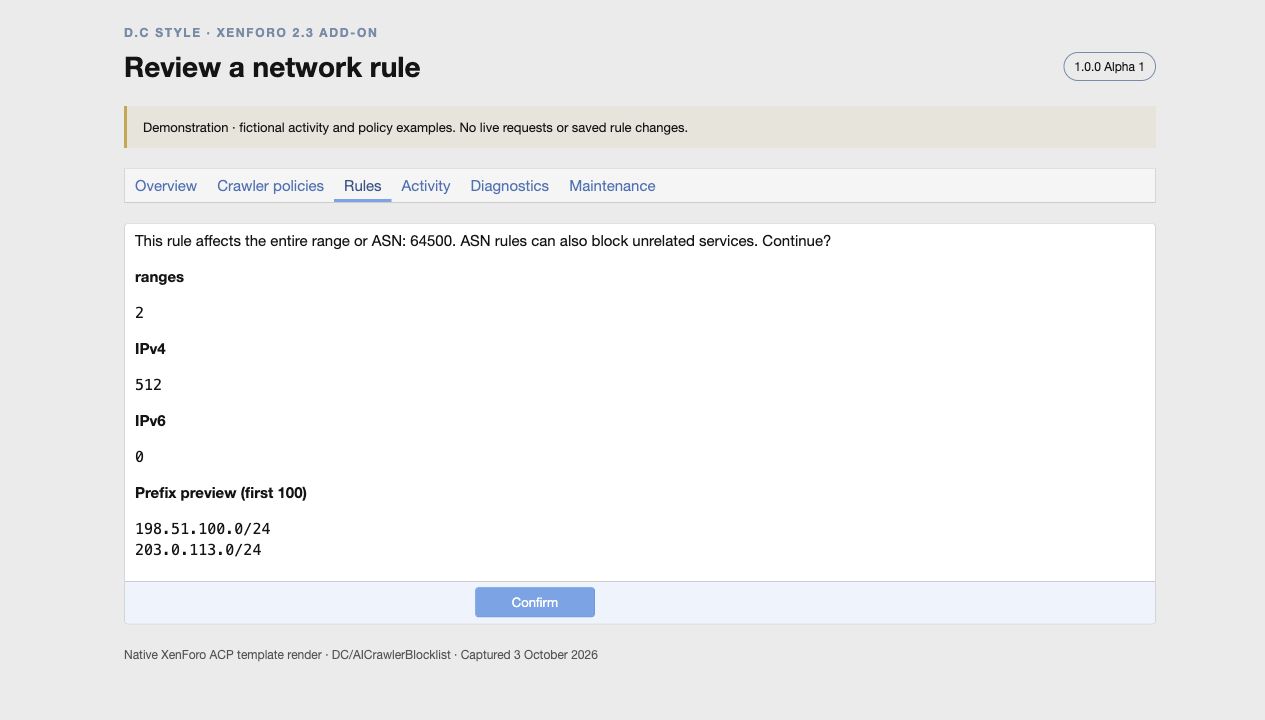
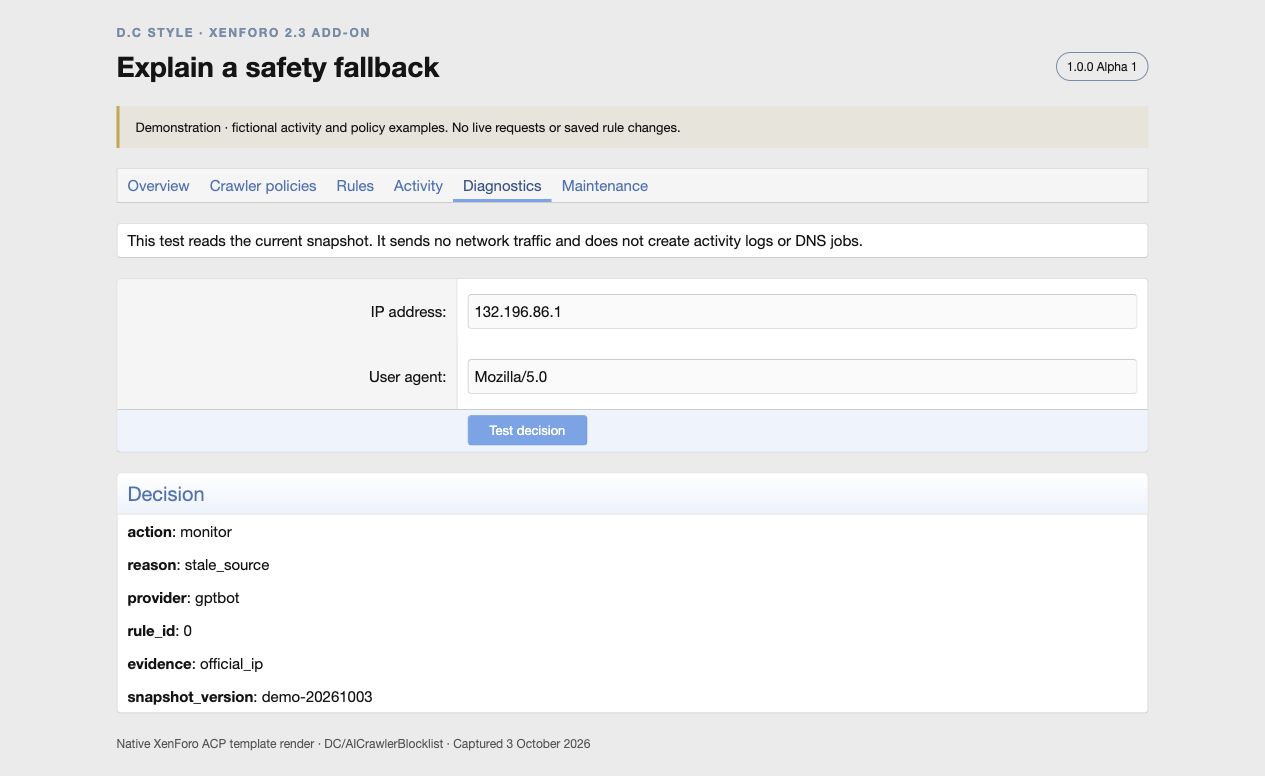
Keep policies explainable. Daily totals and recent request samples show the matched provider or rule, outcome and evidence. Deny an exact IP from a reviewed sample, add an IP or CIDR allow rule, or inspect an advanced ASN rule’s network scope before confirming it. The diagnostic tool explains how an example IP and user agent would be treated without sending a request.
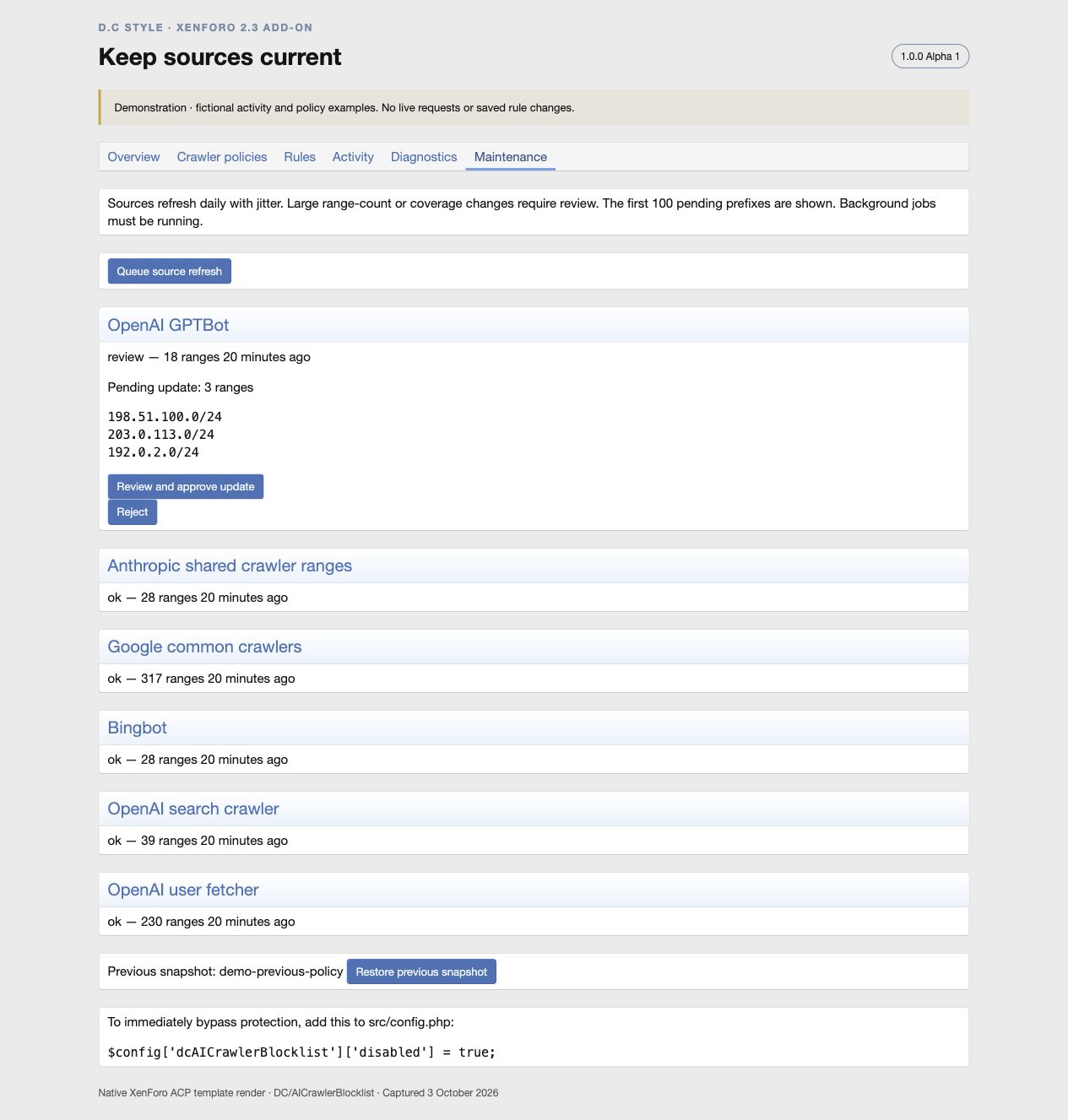
Review changes and recover when needed. Supported feeds refresh in background jobs. Large changes are held for administrator review, failures retain the previous validated ranges, and stale automatic rules fall back to monitoring. A previous policy snapshot, Off mode and an emergency configuration bypass provide recovery options.
Know the coverage. This version protects requests reaching XenForo’s public application. It still uses PHP bootstrap resources and cannot affect static files or pages answered by an upstream cache. Meta and Bytespider currently use user-agent rules; whole-network ASN rules are optional and can affect unrelated traffic. The add-on does not identify every disguised crawler or residential proxy.
Reviews
Sign in to write a reviewNo reviews yet. Only customers who downloaded or bought it can review.
Questions
Answered by the D.C Style team.
No questions yet. Ask about compatibility, setup or anything the description doesn't cover.